Everything you wanted to know, on one page
Short, clear answers on preparation, publication term, payment and guest replies. If you cannot find what you need, write to us.
Simple questions,
clear answers
Choose a question to see its answer.
Invitation and guests
01How do I create an invitation?
Choose a design from the collection. In the studio, edit names, date and venue; listen and pick your music. After you scroll the phone and web preview, save and create your invitation link.
02Do my guests need an account?
No. They can open the invitation link, view the details and send their RSVP.
03Does every invitation open the same way?
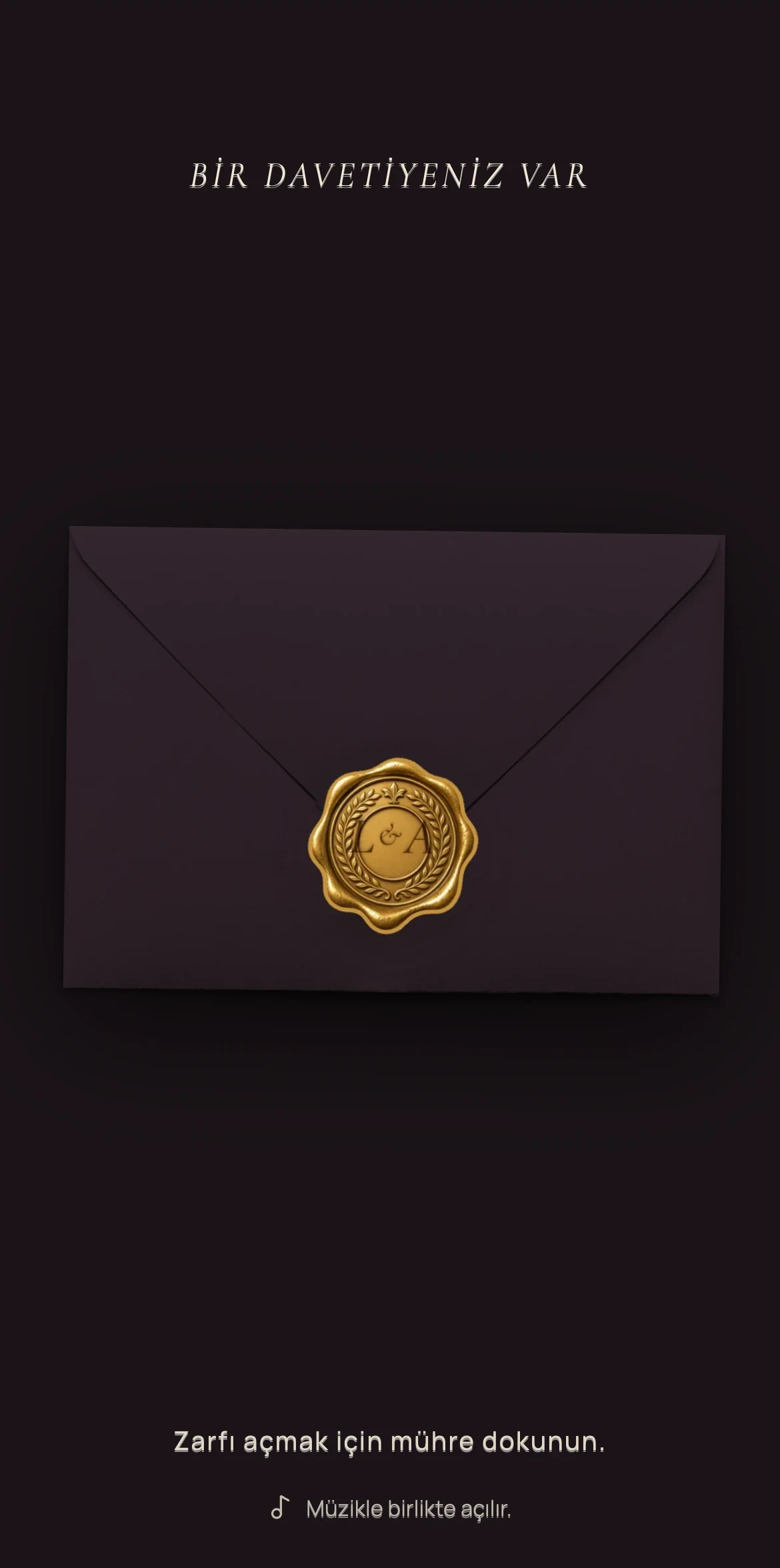
Invitations open from a sealed envelope; the seal pattern, envelope colour and music change with each design. Duende opens with a flamenco scene instead of an envelope. The invitation and music begin when your guest taps the seal.
04Does music start automatically on phones?
Music begins when the guest touches the seal. Browser autoplay rules require an interaction first. Guests can pause it at any time.
05How does it look on phone and computer?
The live frames on the home and Features pages are a real invitation. The studio has the same phone and desktop preview; tap the seal and scroll before you share.
06Can I personalise my invitation myself?
All plans let you edit names, wording and event details and choose from the included music. Classic has a fixed visual style and cover layout. Font, colour, title placement and the page canvas are available with Signature and Atelier. Uploading your own music and full-page atmosphere are exclusive to Atelier.
07Can I edit after publishing?
Yes. Continue editing from My Invitations. Draft changes are saved; publish again when you want your guests to see them.
08How many people can I send it to?
On every plan you can share your link on WhatsApp, SMS, email or social media without a guest cap.
09How do I track views and RSVPs?
Views, RSVPs, estimated guest counts and keepsake notes come together in My invitations. Download a CSV to use with your guest list.
10Can guests leave a keepsake note?
Yes. The reply form has an optional note field, and guests can also leave their wishes in the Guestbook section. Messages stay with you in the My invitations dashboard.
11Can I use it with a printed invite?
Yes. Download the QR code and send it to your printer; it opens the digital invite.
12Where are the prep tools?
The timeline, budget, guest list and seating plan live on the Tools page. Your notes stay in this browser.
13Can I contact you through WhatsApp?
Use the chat button at the bottom right to send us a message. We reply when we are available.
14Can I send each guest an invitation in their own name?
Yes, in every edition. In My invitations, type the names or upload your list from a file; each guest gets a separate link. When they open it, the envelope greets them by name and their name is already in the reply form. You can send it with a ready WhatsApp message and nudge those who have not replied with one tap.
15How does the invitation look on the day and afterwards?
On the day, the countdown gives way to the day’s schedule and directions. After the event the reply form closes and a thank-you message takes its place; the guestbook stays open, and in editions with a memory album guests can keep adding photos.
16Can my invitation open in other languages?
Yes. One invitation offers 17 languages; buttons and the date format follow the chosen language. You write your names and your own texts in the language you want, prepare each language in the studio and publish.
Plans and payment
17Which plan should I choose?
Classic for a simple, complete single-event invitation; Signature for henna night + wedding, shuttle counts, a living cover, the drag-and-drop canvas, video background and a larger album; Atelier for a ready video scene, your own music and the event guide.
18Are the plans a subscription or one-time?
Classic, Signature and Atelier are one-time purchases. There is no monthly subscription. The displayed price is the final tax-inclusive total; no tax is added at checkout.
19Can I prepare my invitation without paying?
Yes. Prepare your design in the Studio and preview it as your guests will. When sales are open, you need the appropriate plan to publish a live sharing link; before sales open, the pre-launch conditions apply.
20How do I pay?
When you order an edition you choose how to pay: by credit or debit card through Shopier, or by bank transfer. Card payments take you to Shopier’s secure payment page; for a transfer you see the bank details and your order number. Once the payment is confirmed, the edition opens in your account. Designing and previewing are always free.
21How long does my invitation stay online?
Your invitation stays live from publication until your event, then for 3 months with Classic, 6 months with Signature and 1 year with Atelier. You can extend it. There is no automatic renewal.
22Which plan includes a guestbook and memory album?
Every plan includes a written guestbook and the guest assistant. Guest photo, video and audio memories are included with Signature and Atelier. The event guide is exclusive to Atelier.
23Which plan has the drag-and-drop canvas?
With Signature and Atelier, reorder or hide sections and drag text layers onto the invitation. Arrange your composition in the Invellora studio to suit your style.
24Can I try it for free?
Yes. You can publish one of the Classic designs free for 10 days, with up to 100 personal links and 100 replies and a small “Made free with Invellora” note under the invitation. When you are happy, choose an edition: the same link carries on without limits and the replies stay. The free trial is available once per account.
25Can I extend my publication term?
Yes. In My invitations, “Extend the term” adds +3 months (299 TL), +6 months (449 TL) or +1 year (699 TL). It suits a postponed wedding or keeping your keepsake album open. Your link, replies and keepsakes stay. You can extend before the term ends or within 90 days after; the extra time is added to the current end date, or to the day you extend if it has already closed. There is no automatic renewal.
26Can I upgrade my invitation later?
Yes. Upgrade a live invitation by paying the difference between the two plans; your link, replies and keepsakes stay as they are. Designs from lower plans can be used at no extra cost; that is not a change of plan and no difference is refunded.
27Can I put the henna night, ceremony and wedding in one invitation?
Signature shows 2 events in one invitation and Atelier 3; Classic is for a single event. Each event has its own date, venue, directions and calendar button, and guests tick the events they will attend one by one.
28Can I ask guests about meals, the shuttle or my own questions?
You can add up to three questions of your own to the reply form. If a question mentions “meal preference”, guests can choose meat, vegetarian or vegan for each attendee. You can write transport and shuttle details in every edition; the shuttle question and head count are in Signature and Atelier.